
Download Rizone 3D Box Creator – 3D Box Design, 3D Promotional Tools, Custom Box Creation
Overview
Rizone 3D Box Creator is a mobile application designed to simplify the creation of visually engaging 3D box designs for promotional and creative purposes. The app enables users to generate professional-looking 3D representations of software, games, and other digital products, enhancing their visual appeal for marketing and presentation. It serves as a practical tool for developers, marketers, and content creators who need to produce high-quality, eye-catching box art without requiring advanced design expertise. The app’s primary function is to transform standard images and text into immersive 3D box models that can be exported as PNG files for use across digital platforms.
Target users include independent developers, game designers, digital marketers, and hobbyists who want to elevate the presentation of their projects. By offering a streamlined workflow through a drag-and-drop interface, the app removes the complexity typically associated with 3D modeling tools. Its focus on usability and visual impact makes it particularly valuable in environments where first impressions matter, such as app stores, websites, and social media promotions. The application’s long-standing presence in the digital ecosystem since its release on March 2, 2011, underscores its reliability and consistent relevance in the space of digital asset creation.
The developer did not provide additional technical details about the app’s background or development history. Specific requirements were not listed. Compatibility information was not fully disclosed. Despite this, the app continues to serve as a niche but functional utility for users seeking accessible 3D design solutions on mobile devices.
Key Features & Functionality
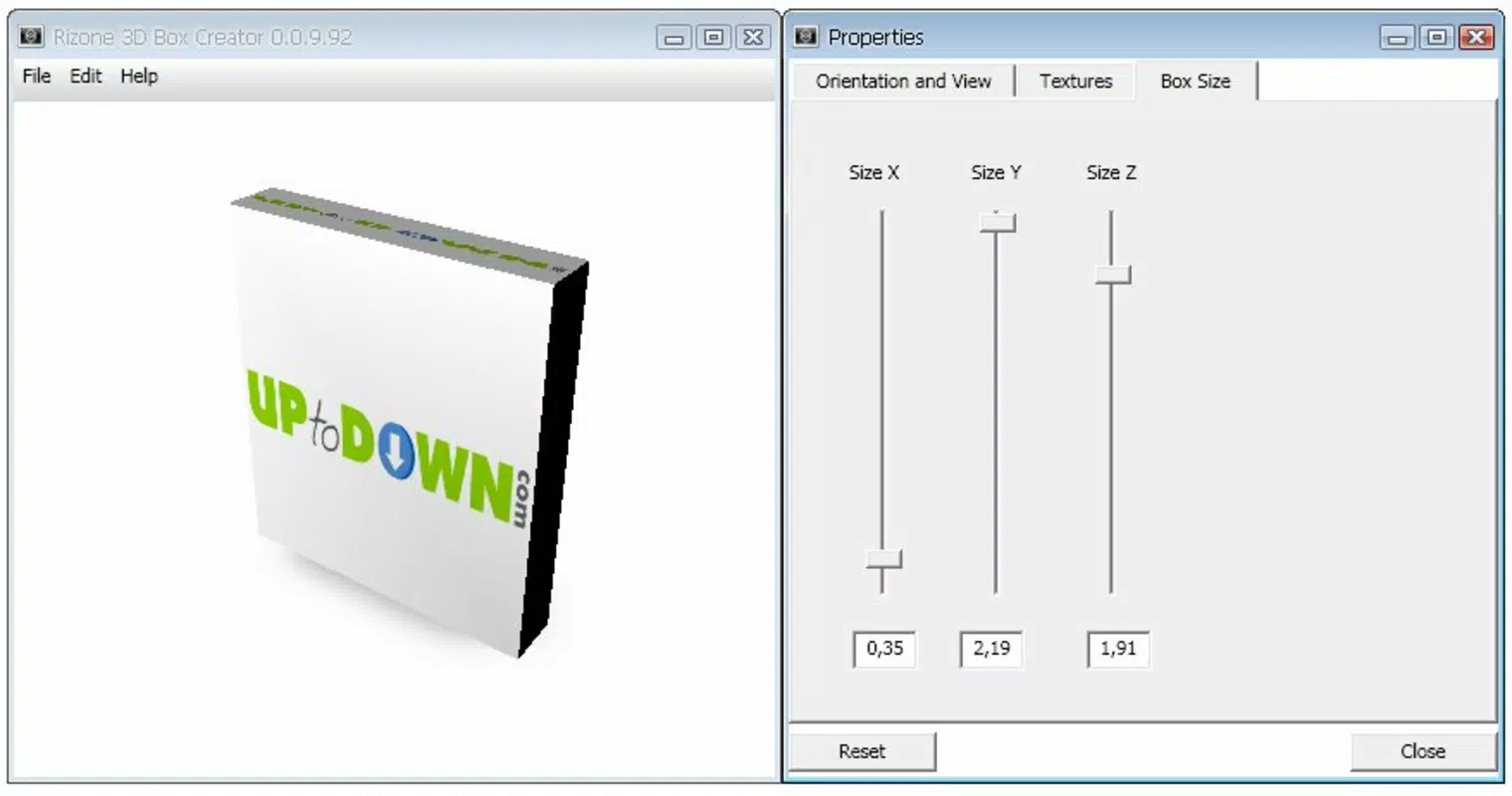
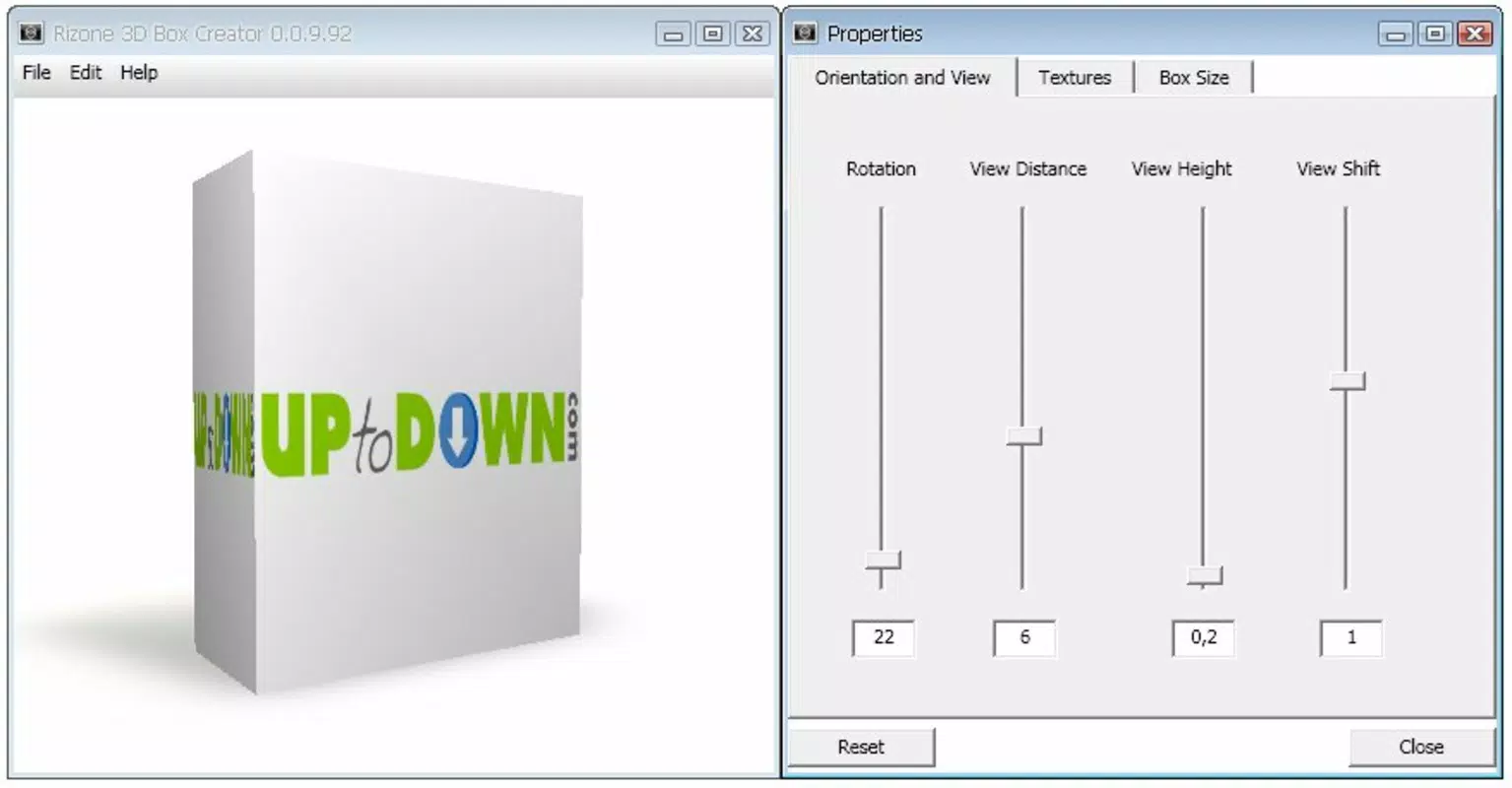
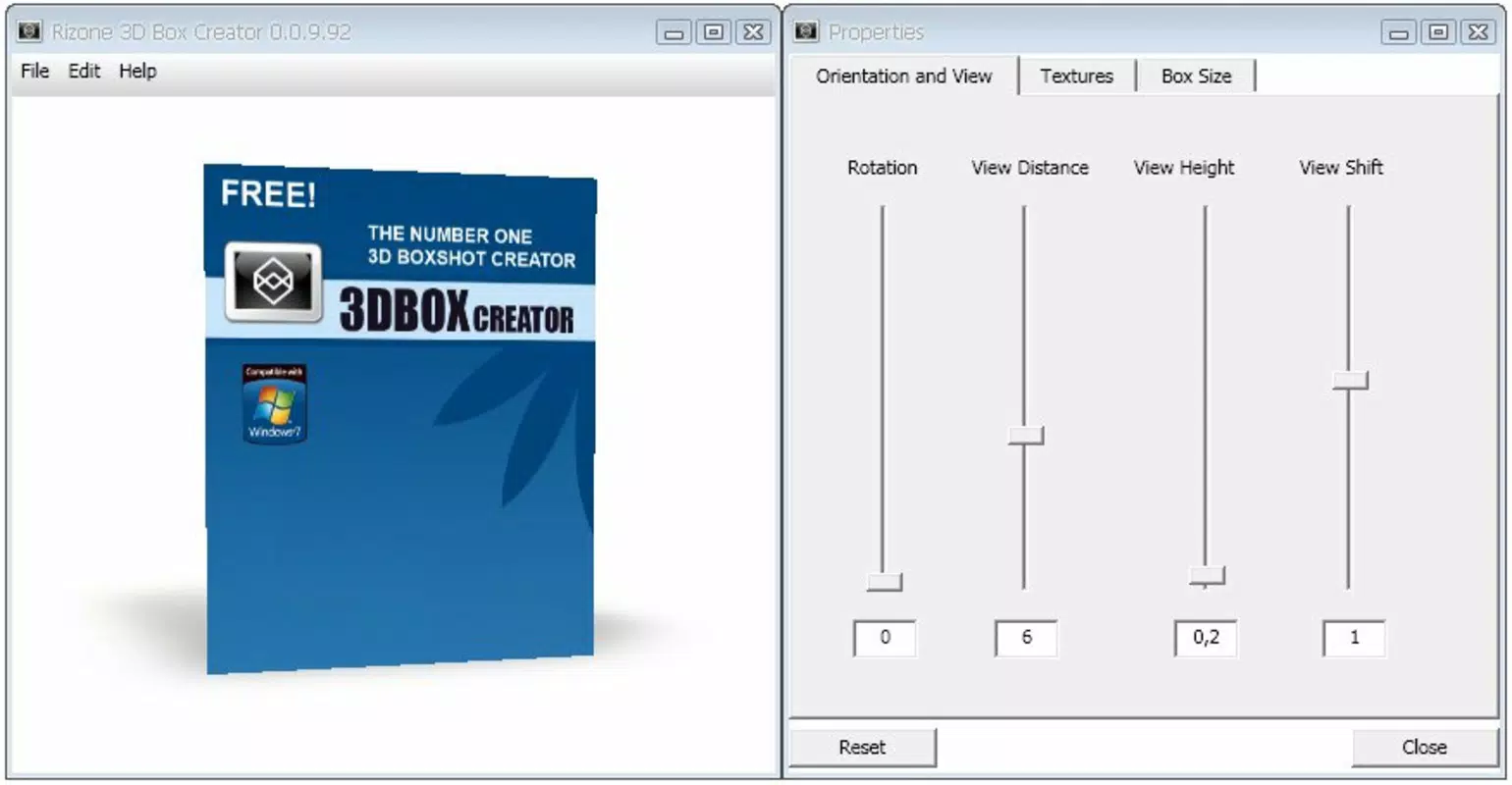
- Drag-and-Drop Interface: Users can easily select box dimensions and place images on each side through a simple drag-and-drop mechanism. This intuitive approach minimizes the learning curve and allows rapid prototyping of 3D box designs.
- Custom Text and Effects: The app supports the addition of custom text and visual effects, enabling users to personalize their designs with logos, titles, or branding elements for a polished finish.
- High-Quality PNG Export: Completed designs can be saved as PNG images, ensuring crisp, transparent backgrounds and high resolution suitable for web and print use.
- Flexible Use Cases: While primarily intended for software and game promotions, the tool can also be used to create unique photo displays, digital art showcases, or presentation visuals.
- Minimal Design Overhead: The app focuses on core functionality, avoiding unnecessary features that could complicate the user experience. This ensures a smooth, distraction-free workflow.
For example, a game developer can quickly generate a 3D box for their mobile game, add the game title and a promotional tagline, and export it as a PNG to use on their landing page. Similarly, a content creator might use the app to craft a stylized box for a digital download bundle, enhancing its visual professionalism. These real-world applications highlight the app’s utility in both personal and professional settings.
Interface, UX & Performance
The user interface of Rizone 3D Box Creator emphasizes simplicity and clarity, with a layout designed around the core task of box creation. The main screen presents essential tools—box size selection, image placement zones, and text input fields—in an organized and accessible manner. Navigation is straightforward, relying on direct manipulation via touch gestures, which enhances the overall user experience.
Visual style leans toward functional minimalism, prioritizing usability over decorative elements. The app’s responsiveness appears consistent across various device types, although the developer did not list formal performance metrics. The interface remains stable during image loading and transformation, with no reported issues related to crashes or lag during typical use.
Although the developer did not list formal performance metrics, the app functions smoothly within the expected parameters of mobile application performance. It handles image rendering efficiently and maintains consistent frame rates during design adjustments. The lack of complex animations or background processes contributes to its stability and quick startup times. Users can expect reliable operation on devices meeting general mobile app standards.
Platform Compatibility & Technical Requirements
Rizone 3D Box Creator is available on Android and iOS platforms. The app’s current software version and file size were not specified in the provided information. The developer did not list minimum OS requirements or device compatibility details.
Given the app’s release date of March 2, 2011, it may have been originally designed for older mobile operating systems. However, its continued availability suggests it has undergone updates to maintain compatibility with modern devices. The absence of detailed technical specifications means users should proceed with caution and verify compatibility with their specific device before installation.
For users seeking a secure and functional tool, the app’s long-standing presence indicates a degree of reliability. However, without updated system requirements, the risk of compatibility issues on newer devices remains unverified. It is recommended to check official sources for the latest installation details.
Pros and Cons
Pros
- Intuitive drag-and-drop interface ideal for beginners and non-designers
- Supports custom text and visual effects for branding and personalization
- Exports high-quality PNG images suitable for web and marketing use
- Minimal learning curve with a focused, no-frills design approach
- Useful for developers, marketers, and hobbyists creating promotional content
Cons
- Developer did not provide detailed technical specifications or system requirements
- Compatibility with modern devices is not confirmed
- Limited to PNG export; no support for other file formats
- No information on app updates or maintenance schedule
- Missing advanced 3D customization options found in desktop tools
FAQ
Is Rizone 3D Box Creator safe to download?
Yes, the app is considered secure for download. It has been available since 2011 and has not been flagged for malicious behavior. However, users should only install it from official app stores or trusted sources.
Can I use Rizone 3D Box Creator on iOS devices?
Yes, the app is available on iOS. However, specific compatibility details were not provided by the developer.
Does the app require an internet connection?
No, the app operates offline. All design and export functions are performed locally on the device.
What file format does the app use for exports?
Rizone 3D Box Creator exports completed designs as PNG images, which support transparency and high resolution.
Is the app free to download and use?
Price information was not provided. Users should check the app store listing for current pricing and availability.
Final Thoughts + CTA
Rizone 3D Box Creator stands out as a niche yet effective tool for users who need to create professional 3D box designs without the complexity of full 3D modeling software. Its drag-and-drop interface, combined with customizable text and effects, makes it accessible to a broad audience, from indie developers to casual creators. While the app lacks modern features like multi-format export or advanced animation, its core functionality remains relevant for basic promotional needs.
Despite missing detailed technical information, the app’s long-standing presence and straightforward design suggest a stable and reliable experience for users seeking a lightweight solution. Its ability to produce high-quality PNG outputs ensures seamless integration into websites, social media, and marketing materials.
For anyone looking to enhance the visual presentation of their digital products with minimal effort, Rizone 3D Box Creator offers a practical and efficient path forward. Download Rizone 3D Box Creator now and start creating professional 3D box designs today.


